Using AI Assistants to Ramp Into an Unfamiliar Codebase
AI assistants can slash new engineer onboarding time by answering codebase questions independently.
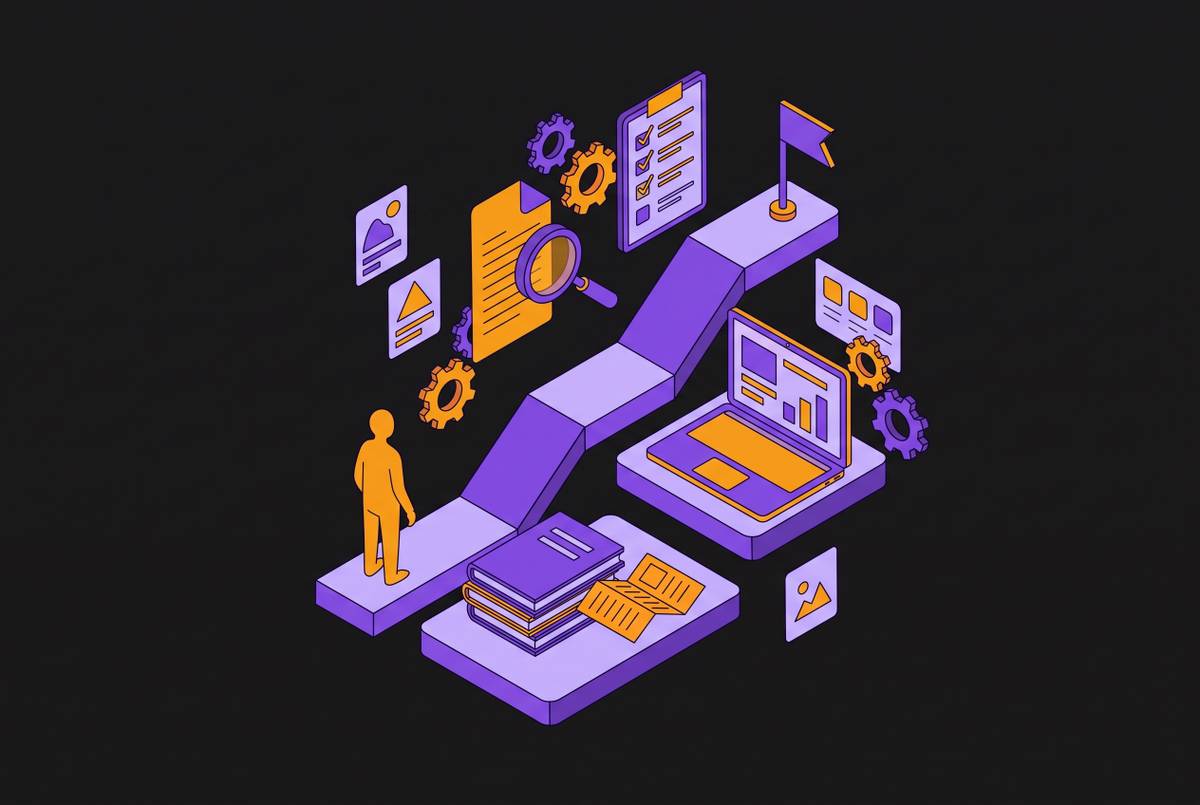
The first weeks on a new engineering team usually follow the same script. A new hire reads the README, then an architecture doc that was last updated two reorgs ago, then sits through pairing sessions with a senior engineer, then picks up a starter ticket, and with some luck, ships a first pull request somewhere past day fifteen. Every one of those steps depends on a person who already holds the codebase's history in their head: the senior engineer who can explain why the auth module is built the way it is, why the payments service has two competing implementations instead of one, why a particular migration behaves differently than the docs say it should. A new engineer's reading speed sets a floor on how fast onboarding can go, but it is the senior engineer's available hours that set the ceiling, and the ceiling is almost always the binding constraint. The 30-to-90-day ramp that shows up in engineering handbooks everywhere is not really clocking how quickly someone absorbs code; it is clocking how much senior attention a team can spare to translate that code into something a newcomer can act on.
Faros AI's Productivity Paradox study, which drew on data from thousands of developers across many teams, found that AI tool adoption skews toward engineers who are newer to a company than toward tenured staff. That pattern makes sense once you see onboarding as a translation bottleneck: engineers navigating unfamiliar codebases have the most to gain from a tool that can answer "why does this look like this" without waiting for someone else's calendar to open up. Put together, the data says the acceleration AI tools offer is landing where the bottleneck actually sits. Fixing onboarding, then, is not a matter of teaching new engineers to skim code faster. It means removing the senior engineer as the rate-limiting translator, so the codebase can answer questions on its own.
What AI assistants do during codebase exploration
The kind of work an AI assistant does inside a codebase has changed substantially in two years. In 2024, the typical AI coding tool could write a function when asked. The unit of work moved from a single line to a full task, and that shift is what makes AI assistants useful for onboarding specifically, not just for writing code faster.
Senior engineers in 2026 tend to use these tools in four recognizable modes, and new engineers can use the same four modes to ramp up. The third, and the one that matters most for onboarding, is research and exploration: asking the agent to explain a part of the codebase, or to compare two possible approaches, before writing a single line of code. Used this way, the agent substitutes for a meaningful share of the documentation reading and senior Q&A that used to eat the first weeks on a new team. The fourth is the autonomous task runner: hand the agent a well-scoped piece of work, and it reads the relevant code, makes the change, runs the tests, and opens a pull request on its own. This fourth mode is the least consistent of the four, paying off best when the task is small and its correctness is easy to check.
Anthropic has built this logic directly into its tooling. An experienced engineer runs the command once, and a new teammate replays that output. That command solves a real problem, distributing a team's working setup, but it is not the same thing as translating the codebase itself; it tells a new engineer how the team configured its tools, not why the payments service has two implementations.
The clearest illustration of what mode three can do appears in a case involving two engineers who inherited a multi-repo product with configuration spread across roughly six separate repositories. Historically, ramping onto a codebase like that took months, with a first pull request landing well past day thirty. Neither of the two engineers in this case had touched the codebase before, and neither shadowed a senior engineer to get oriented. Instead, both opened Claude Code against the repository and asked it to find every file touching their assigned area. On the senior side of that same team, engineers noticed that the block of their week that used to absorb onboarding interruptions simply stopped recurring. They got their afternoons back.
The deployment mistake that captures most of the gains for seniors and leaves new engineers waiting
The most common way teams roll these tools out undercuts most of what they could deliver. Senior engineers are then told to use the tool during the same pairing sessions they already ran with juniors and new hires. That pattern makes the senior engineer faster at producing answers, which sounds like a win, but it leaves the structural bottleneck intact: new engineers are still waiting in the senior engineer's queue, just a slightly shorter one.
The fix runs the opposite direction: give the tool directly to the new engineer, and let it serve as their primary interface for investigating the codebase. The senior engineer's calendar collapses down to the fraction of questions that actually require seniority. A first independent pull request is possible in week one.
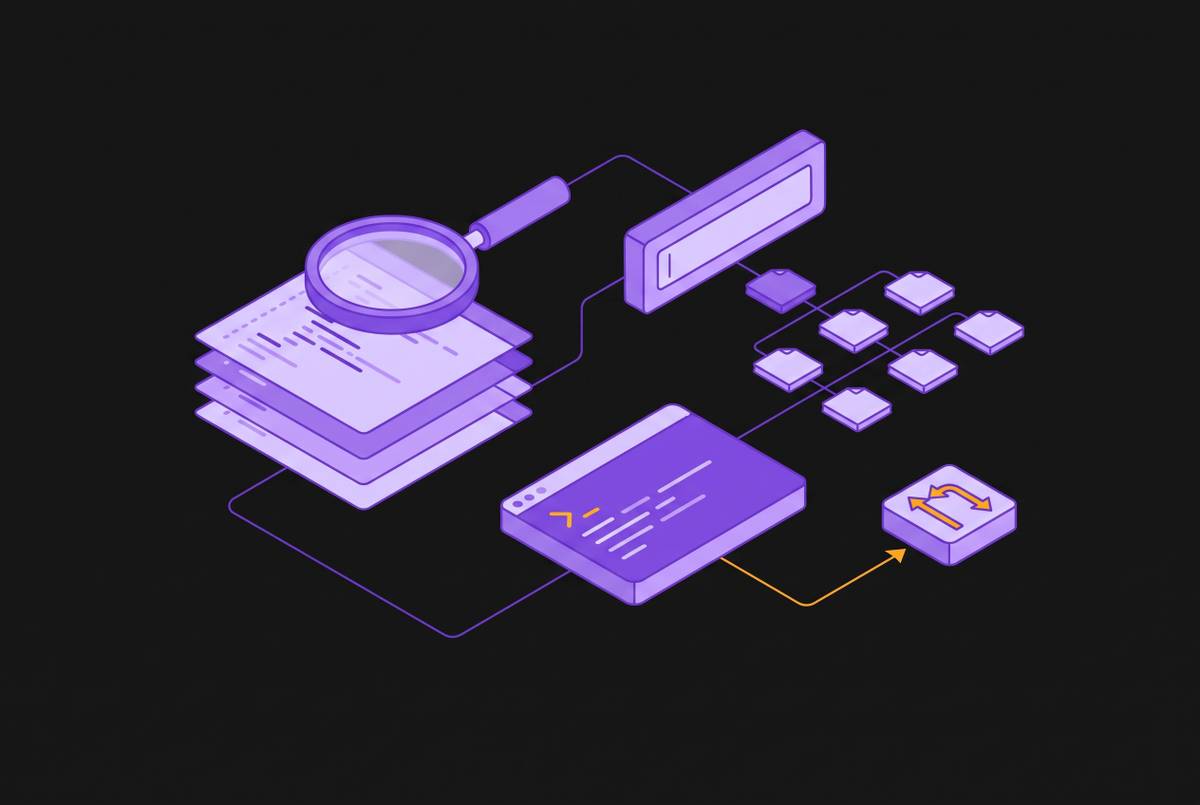
When a new engineer can query the codebase directly through natural-language search instead of booking time with a senior, the bottleneck that defined onboarding for years stops applying, replacing the senior engineer's old role as translator. Platforms like Sourcebot, which index across every repository a company maintains and let both people and agents search the full codebase without needing a senior engineer to interpret it first, remove that constraint directly.
But handing the tool to the new engineer only helps if the tool can see enough of the codebase to be trusted. That's the condition the rest of this piece works through.
How much of the codebase an AI assistant can see determines its usefulness
An assistant that only sees the file currently open in the editor, or a snippet pasted into a chat window, is answering a smaller and different question than the one a new engineer is actually asking. A new engineer rarely wants to know how one file works. They want to know how a feature works across the whole system, and that question routinely spans files, services, and repositories that are not open anywhere near the editor in front of them.
An assistant working from a narrow slice of the codebase has two options when it hits that gap, and both are bad. It can refuse to speculate, which is honest but unhelpful. Or it can speculate anyway, extrapolating from the one file it can see, which produces a confident answer that is often wrong. A confidently wrong answer is worse than no answer, because a new engineer has no independent way yet to recognize the mistake. They don't know the codebase well enough to catch the agent's error.
This is the specific failure mode practitioners describe for the research-and-exploration mode covered earlier, the mode that matters most for onboarding. Used with a narrow view of the codebase, it sends a new engineer confidently in the wrong direction. Used with enough of the codebase in view, it reasons accurately and saves real time. Anthropic's 2026 Agentic Coding Trends Report names the gap between these two outcomes a "collaboration paradox": engineers report using AI in roughly 60% of their work and describe real productivity gains from it, yet can fully hand off only a small fraction of tasks without stepping back in to correct the result. That paradox resolves once you separate what the agent is capable of from what it can see. Effective collaboration with an agent requires that agent to have enough context to act accurately without constant correction, and when that context is missing, the agent's raw capability stops mattering.
Context, in other words, is the variable that decides whether an assistant functions as a reliable way to investigate a codebase or as an unreliable one that costs more time than it saves, by sending a new engineer chasing an answer that was wrong from the start. This is the reason full visibility into a codebase is not optional for an assistant to be useful during onboarding, and it's why tools built specifically as a code context layer exist: to make sure an agent can search and understand code across an entire organization's repositories, rather than reasoning from whatever fragment happens to be open in an editor.
What a Dedicated Context Layer Changes
A context layer sits between the AI agent and the raw codebase, and instead of handing the agent raw file contents to sort through on its own, it delivers structured, queryable knowledge about how the code actually behaves.
The underlying problem goes beyond models having limited context windows. One approach is to generate that evidence from the source code itself, using deterministic static analysis, keep it continuously updated as the code changes, and expose it to agents through the Model Context Protocol, generally shortened to MCP. The division of labor that results is straightforward: static analysis discovers the facts about the codebase, the AI model reasons over them, and MCP is the channel that delivers one to the other. MCP has become the standard most developer tools and coding assistants build around for exactly this purpose; Cursor, VS Code, and Claude Code all use it to give an AI model context about a codebase, its documentation, and the infrastructure it runs on.
A handful of concrete tools already fill different pieces of this pattern. A third tool, context-mode, an MCP server released under the Elastic License 2.0, routes bulky raw tool output into a local SQLite database with full-text search instead of dumping it straight into the conversation, so the agent can retrieve a summary or a relevant match only when it actually needs one, keeping the model's working context clear of clutter.
What these tools share determines how reliably the architecture can be reused across a team, regardless of which specific tool a team picks. On engineering teams that have adopted this pattern, the architecture decisions, design patterns, and guardrails that used to live only in a senior engineer's head get written once as architecture decision records and surfaced to every agent through MCP, rather than being rediscovered by the model from scratch on every single run.
Full-repo context for an engineer ramping into a large, multi-repo codebase
For an engineer joining a team that maintains dozens or hundreds of repositories, context at the file level means exploring a single room, while context across the whole organization means navigating an entire building. The questions a new engineer needs answered in week one are rarely contained in the one repository they happen to have cloned. Where is a piece of configuration actually set, when it may live in a shared-config repository they haven't touched yet? What's the team's established way of handling authentication or logging, when the real pattern lives in an older service than the one currently open in the editor?
Without a tool that indexes across every repository a company runs, an agent can only answer these questions from whatever fragment is visible to it, which produces exactly the confident wrong answers described earlier. Org-scale cases of AI-assisted development give a sense of what's possible when that context gap closes. Neither case proves one specific architecture is correct, but both show what's available once an organization's AI tooling can see more than a single file or repository at a time.
This is the scale of gap a code context layer is built to solve, and it's the kind of visibility gap Sourcebot was built to close for multi-repo organizations specifically. Sourcebot indexes across an entire company's repositories and exposes that index both to engineers searching manually and to agents querying it through MCP, so a question about a shared-config repo or a caller in another service gets answered from the actual code. Sourcebot also connects to tools like Jira, Linear, and Slack through MCP, so an agent can pull in the project history, the ticket, or the decision behind a piece of code alongside the code itself, closing the gap between what the codebase does and why it does it.
The non-engineer case: PMs, support staff, and new hires who need answers from the codebase without writing code
The senior-engineer bottleneck described throughout this piece does not stop at new engineers. Product managers, support staff, and other non-technical stakeholders generate a parallel stream of "can you just check something for me" requests, and every one of those requests draws on the same limited pool of senior attention that onboarding competes for. A support engineer trying to tell a customer whether a bug has shipped, or a PM trying to understand whether a feature touches a particular data flow, has historically had exactly one option: find an engineer and ask.
A code context layer that both humans and agents can query removes that dependency for a large share of these questions. It requires a system that can search across an organization's full codebase and its connected tools, Jira tickets and Slack threads included, and surface the answer directly. That is the same underlying capability new engineers need to ramp up without waiting on a senior engineer's calendar, applied to everyone else in the organization who has been quietly waiting on that same calendar for years.