Directory and File Naming Conventions in Software Projects
Consistent naming saves developers hours each week by making files instantly recognizable.
Every developer has opened a shared drive and found proposal_final.pdf sitting next to proposal_final_v2.pdf, proposal_FINAL_v2_updated.pdf, and, somewhere near the bottom, proposal-real-final.pdf. It's a joke until it costs someone an afternoon. One McKinsey study found that employees spend up to 19% of their workweek just searching for information, and a good chunk of that time goes to guessing which file is actually current. Naming conventions fix this, and they do it cheap: a one-page rule, agreed on once, keeps paying off for as long as the project lives.
The cost of a bad name looks trivial in isolation. Someone loses ten seconds figuring out that data_new.csv is not, in fact, new. But multiply that pause across hundreds of files, dozens of developers, and years of project history, and the seconds turn into something else entirely: features that take five days instead of three, senior engineers who spend half their week translating old decisions for everyone else, onboarding that drags into its third week because nobody can explain why there are two folders called utils. Naming is infrastructure. It just happens to be the kind nobody notices until it's missing.
The five universal rules that apply across every project type
Good naming conventions, regardless of language, team, or project type, tend to satisfy five properties at once.
A name should be sortable: the default alphabetical order in a file browser should produce something useful without anyone lifting a finger. It should be identifiable, so that seeing the filename alone, in an email attachment or a messaging thread, tells you what's inside without opening it. It needs to be machine-readable: scripts and search tools should be able to pull structured information out of the name reliably, not guess at it. It has to be portable, working the same way on Windows, macOS, and Linux, and surviving an email attachment or a cloud upload without some system silently renaming it. And it should be stable. Once a file is named, that name shouldn't need to change just because the file got archived, revised, or moved to a different folder.
Of all the individual conventions available, dates in ISO 8601 format (YYYY-MM-DD) probably deliver the biggest return for the least effort. Sort a folder full of 2025-03-14_meeting-notes.md-style files alphabetically and they land in chronological order automatically. There's no ambiguity between the US habit of month-first and the UK habit of day-first, and virtually every tool, from Excel to search engines to programming languages to long-term archival systems, parses the format without complaint. Where the date goes matters too. Put it at the front if the team wants files to sort chronologically. Put it after a project code if the team wants files to sort by project first and date second. Neither is more correct; it depends on how people actually browse.
Avoid spaces in filenames. They turn into %20 in URLs, they force quotation marks in every shell command that touches them, and older tools and sync software still trip over them occasionally. Hyphens and underscores solve this, and the honest truth is that it barely matters which one a team picks, so long as everyone picks the same one. A workable convention that holds up in practice: underscores separate the logical sections of a filename (date, project code, descriptor), while hyphens separate words within a section, so a file might read 2025-03-14_acme-project_design-brief.pdf.
Division of labor between folder hierarchy and filename design
Folder structure and filenames aren't doing the same job, and treating them as though they are leads to bloated, redundant names. Push categorizing information up into the folder path, and keep the filename itself lean. A file sitting inside 2026/Q2/ACME/ doesn't need to repeat 2026_ACME in its own name. The folder already said that.
There's a real tradeoff hiding in this, though. A file loses its context the moment it gets copied out of its folder and dropped into an email or a shared drive on its own. Whether that matters depends entirely on how files travel inside a given workflow. A team that always shares whole directories can lean hard on folder structure and keep filenames minimal. A team that emails single files around, one at a time, needs those files to carry more identifying information on their own, because the folder won't be coming along for the ride.
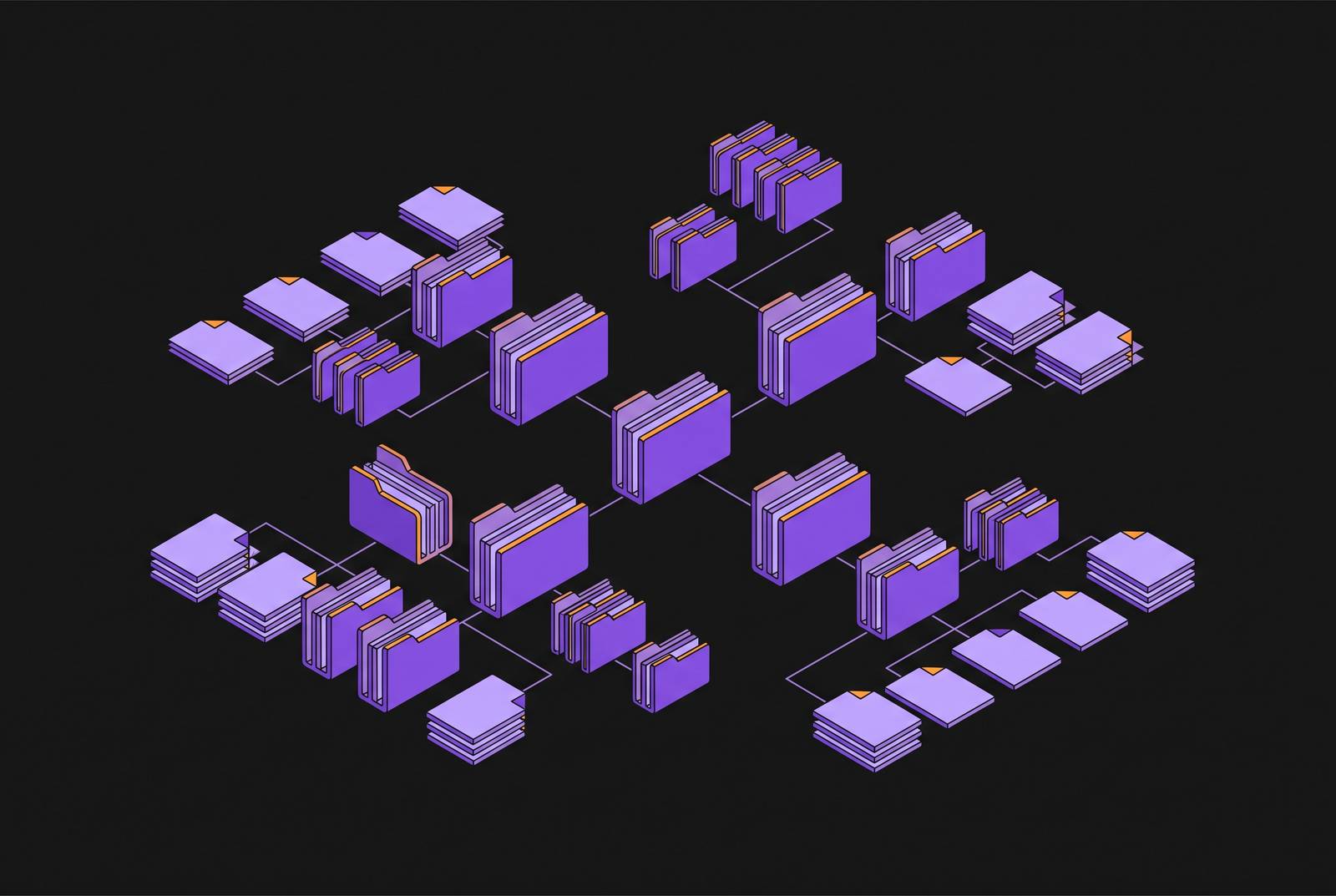
Folder names follow the same rules as file names: lowercase, hyphens as separators, and names that describe the theme or content rather than some internal code, so admin-boundaries beats data3. The World Bank's data science project template is a clean illustration of folder structure doing real work. A data/ directory splits into raw-data/ and derived-datasets/, each with thematic subfolders inside. A notebooks/ directory holds Jupyter notebooks in descriptive subfolders, but outputs from those notebooks go into derived-datasets/, not back into notebooks/ itself. Source code lives in src/ (packaged as an installable Python module, if the project is in Python), and documentation gets its own docs/ folder. The structure itself encodes the stages of the data pipeline, raw to derived, code to output, so that a file sitting inside any one folder can have a short, plain name and still be unambiguous.
Code-specific naming conventions and intention-revealing names that cut bugs
Inside actual code, naming becomes a comprehension question, because a poor name forces readers to work out what something does. A variable called monthly_interest_rate tells the reader what it holds. A function called sanitize_user_input tells the reader what it does. Compare that to x or temp or data2: every cryptic name forces a small mental translation, a pause where the reader has to reconstruct intent from context instead of reading it off the name directly.
That pause might only cost thirty seconds. But stack it across hundreds of identifiers in a codebase and dozens of developers reading them over months, and the drag compounds into something structural, not cosmetic, the same three-day feature stretching to five days because nobody can tell at a glance what half the variables are for.
Casing conventions differ by language and ecosystem, and the specific choice matters less than consistency within it. Python uses snake_case for files and variables, so monthly_interest_rate.py reads as native to the ecosystem. Web tooling commonly uses kebab-case for things like customer-profile.css. Class names in many languages use PascalCase. JavaScript variables and functions use camelCase. None of these is objectively superior to the others; the rule is to follow whatever the language or framework already expects, then hold the line on it.
Sometimes the convention isn't a matter of style at all, it's enforced by the tooling. Some naming choices are enforced by the tooling rather than left to preference, a useful reminder that conventions aren't always a matter of taste. Sometimes the language itself has already made the decision.
Context files for AI coding agents, AGENTS.md, CLAUDE.md, and the emerging standard
AI coding agents run into a version of this problem that's arguably worse, because they start every single session with zero memory of the last one. An agent might know Python cold, in the general sense, but have no way of knowing that this particular team uses Pixi instead of pip, that the API client is written to never throw exceptions, or that the vendor/ directory is off-limits and should never be touched, edited, or regenerated.
Context files solve this by giving the agent a written brief before it starts. AGENTS.md has become the closest thing to a shared standard here, reportedly adopted across more than 60,000 open-source repositories, and supported by agent frameworks including Codex, Cursor, Devin, Factory, Gemini CLI, GitHub Copilot, Jules, VS Code, and Amp.
That said, the format landscape isn't fully unified yet, and each tool still carries its own convention. Cursor looks for rules files at .cursor/rules/*.mdc (with .cursorrules as the older, legacy format). GitHub Copilot reads copilot-instructions.md. Claude Code reads CLAUDE.md. OpenAI Codex, along with a growing list of other agentic tools, has converged on AGENTS.md as the name to reach for.
What actually goes inside one of these files is refreshingly unglamorous: the exact build command with the exact flags, how to run the test suite, any code style rule that diverges from the language's defaults, architectural constraints the agent needs to respect, and an explicit list of files or directories it should leave alone.
Layering AGENTS.md files through a directory tree
A single AGENTS.md at the repository root works fine for a small project, but larger codebases benefit from layering the files down through the directory tree. Codex, for instance, walks the path from the repo root down to whatever directory it's currently working in, reading every AGENTS.md it passes along the way. The root file sets the baseline: general conventions, build commands, the big architectural rules. A second AGENTS.md sitting inside src/frontend/ then adds to, or overrides, whatever the root file said, but only for that subtree.
Assembly happens root-first, so the deeper, more specific files only need to state what's different, not restate everything the root file already covered. It's the same logic that makes hierarchical folder naming work for a human browsing a file tree: general context lives up top, specifics live close to where they apply, and nobody has to repeat themselves at every level.
For cases where a subdirectory needs to fully replace the standing rules rather than just add to them, Codex supports an AGENTS.override.md file, which swaps out the standard AGENTS.md at that same directory level (not the level below it). It's a deliberate, named mechanism, not an informal workaround someone stumbled into.
Claude Code follows a comparable pattern, supporting subdirectory CLAUDE.md files that layer scoped instructions on top of whatever the root CLAUDE.md already established.
MCP configuration files and the.mcp.json convention
Instruction files tell an agent how to behave. One class of connector server does something different: it gives the agent new things it can actually do. Without an MCP server connected, an agent's reach is limited to its built-in capabilities. With one connected, that same agent can query a database directly, read through email, manage cloud infrastructure, or call out to third-party APIs. That's a difference in capability, not just instruction.
For project-level MCP setup, the convention is a file named .mcp.json, checked into version control alongside the rest of the codebase. The reasoning is straightforward: checking it in ensures every team member connects to the same set of MCP tools, rather than each developer wiring up their own personal, possibly inconsistent, set of integrations. The filename itself is doing more than pointing at configuration; it's encoding a team-wide commitment to a shared toolset, not a one-off personal preference buried in someone's dotfiles.
The ecosystem around MCP has been expanding quickly. Reporting on the space has pointed to roughly a thousand or more new indexed servers appearing each month, with projections suggesting the count could climb into the tens of thousands before long. Whatever the exact trajectory turns out to be, the direction is clear enough: more servers, more capability, and a growing reason to make sure .mcp.json stays checked in, current, and shared, rather than left to drift on somebody's laptop.